The web design process in five steps: what happens, what you need to supply, how long each part takes, and what gets checked before your site goes live.
If you have never paid someone to build a website, the hard part is not the cost. It is not knowing what happens next, what you will be asked for, or how you would tell if the project had gone quiet. This is the web design process we run on every project, step by step, with what we do, what you do, and what usually holds each step up.
What is the web design process?
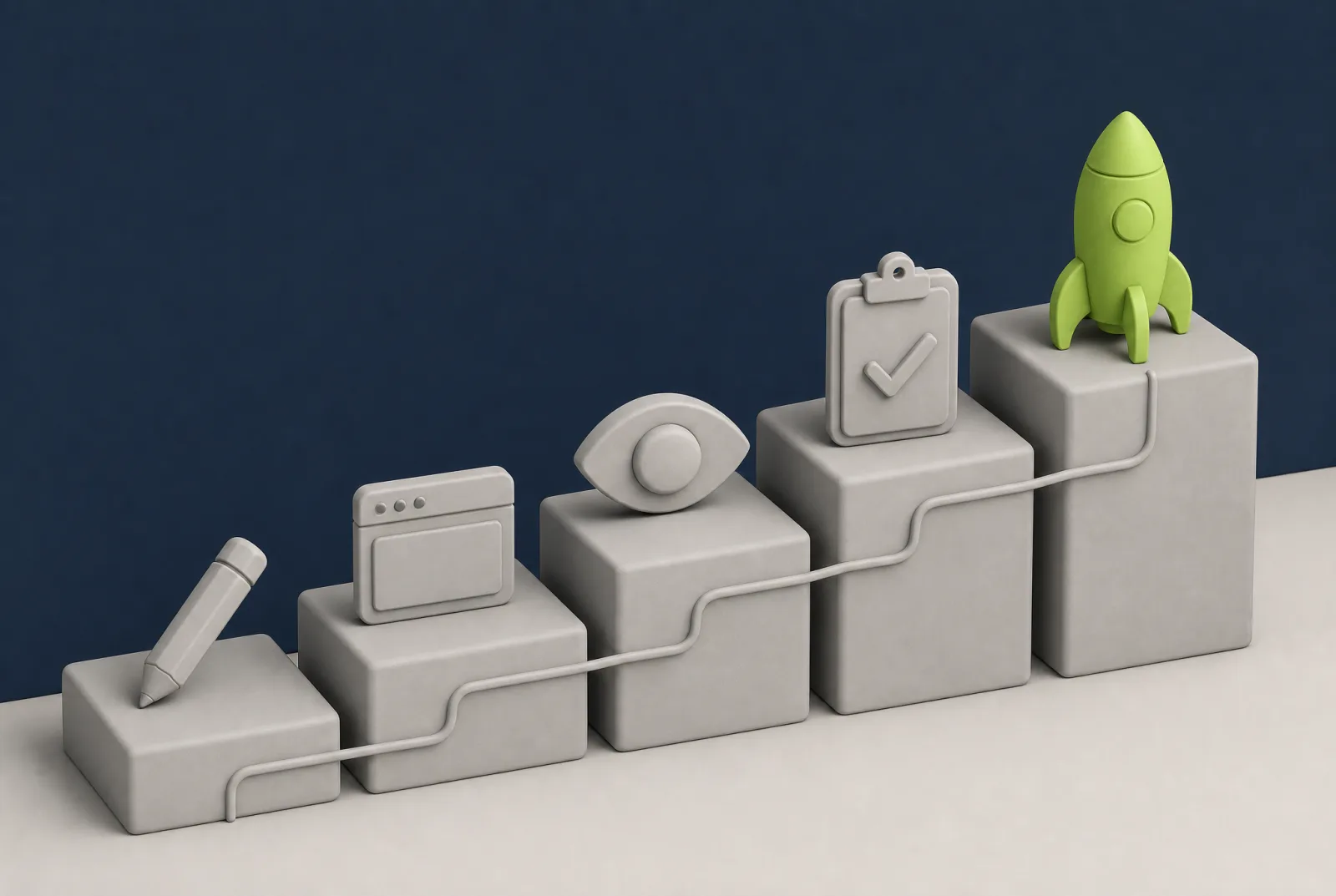
The web design process is the set order a website is planned, designed, built, checked and put live in. Ours has five steps: plan and design, build and test, your preview, final checks, then launch and support. You are involved at three points: the brief at the start, feedback on the design, and sign-off on the preview before launch.
The five steps at a glance
| Step | What happens | What we need from you |
|---|
| 1. Plan and design | We agree the pages and what each one is for, then design the homepage first | A short brief, your logo, photos, and feedback on the design |
| 2. Build and test | The approved design becomes a working WordPress site, with your words and images in place | Any missing content, and quick answers to questions |
| 3. Your preview | You see the whole site, working, before the public does | One collected list of changes, then your sign-off |
| 4. Final checks | Redirects, tracking, backups, security, and testing on phones, tablets and computers | Access to your domain, and to your old site if you have one |
| 5. Launch and support | The site goes live on your domain and we stay on hand | A quick look on your own phone, and a message if anything seems off |
How long does the web design process take?
From start to finish, we work to seven days for a starter site, two to three weeks for most, and four to six weeks for something with payments or bookings in it. The price is fixed and agreed in writing before work starts, and so is the timeline. If you are still comparing quotes, our guide to what a website design quote should include will help.
On a starter site the steps are short: about a day of planning, a day or two of design, a day or two of building, a day for your review, and a day for checks and launch. On bigger projects the extra time goes into the build and the preview, because there is more to make and more for you to read. We have published real projects with their actual dates in how long it takes to build a website, so we will not repeat them here.
Step 1: plan and design
What happens. We agree what the site is for, list the pages, and decide what each page needs a visitor to do. Then we design the homepage first. It sets the look for everything else, so it is far quicker to agree one page properly than to redo ten. There is more on that in our guide to homepage design.
What you do. Fill in a short brief and send us what you have. The brief is small: the pages you want, your services or products, your colours and logo, anything specific the site must do, and a few sites you like. Then you give feedback. The design includes two rounds of changes.
What you get. A homepage design you have approved, and an agreed page list.
What holds it up. Waiting for a logo file, and feedback from several people that pulls in different directions. Decide who signs things off before we start.
Step 2: build and test
What happens. We turn the design into a working WordPress site, build the remaining pages to match the homepage, and put your words and photos in.
What you do. Not much, if the content is in. If writing is the part you are dreading, bullet points are enough for us to write from, and our guide on how to write website content shows what a good page needs.
What you get. A complete site at a private address, ready for you to look at.
What holds it up. Content, almost every time. The second most common cause is duller: messages going astray. One of our own emails sat in a client’s junk folder for days before she found it. So when a reply is overdue, we chase it up.
Step 3: your preview
What happens. You see the whole site, on your own phone and computer, before anyone else can. Nothing is public yet.
What you do. Read every page as a customer would. Check the facts only you can check: prices, opening hours, phone numbers, the spelling of names. Then send your changes as one list.
What you get. A site you have read and approved. It does not go live until you say it is right.
What holds it up. Changes arriving one at a time over a fortnight, and new pages being added at this point. New ideas are welcome. We will tell you what they do to the timeline before we start them.
How feedback and the two rounds of changes work
A round is one collected list of changes. You send the list, we make everything on it, and you look again. Two rounds is enough for most projects, as long as each list is complete. The quickest way to use one up is to send half a list.
The most useful feedback names the page, the section, and what is wrong. “The services page does not mention emergency call-outs” is something we can act on in minutes.
Plain corrections are a different thing. On one membership site, the client sent a wrong postcode, then a wrong phone number, then the wrong version of two legal documents, on separate days. Each was corrected the same day. As we told him at the time, “that’s a two-minute job our end”.
Step 4: final checks
What happens. This is the step clients never see. Before launch we check:
- Redirects from old page links. If you are replacing an existing site, every old page address is pointed at its new equivalent. Google describes a permanent redirect as a signal that the new page should be the one it shows, and advises keeping redirects in place for at least a year. Where we can, we keep the page addresses exactly the same, which is what we did when moving a watch dealer’s shop from another platform. Our website migration checklist covers the full list.
- Tracking. Visitor statistics are installed and recording, so you can see how people find you from day one.
- Backups. A full copy of the site exists before launch, and regular backups are running. See how WordPress backups work.
- Security. The security certificate is active (the padlock in the address bar), logins are locked down, and the software is up to date.
- Phones, tablets and computers. We test every page on each. Google uses the mobile version of a site for indexing and ranking, so the phone view is the one that counts most.
- Forms and payments. Every form is sent for real and checked at the inbox end. On a shop, we place a small live test order and confirm that both the customer email and the seller email arrive before we call payments live.
What you do. Give us access to your domain. This is where most people get nervous, and reasonably so.
What you get. A site that is ready to switch on.
What holds it up. Logins. Nobody remembers where the domain was bought, or the account belongs to someone who left. Find those details at the start of the project, not the end.
If moving your domain worries you
In September we asked a Ramsgate property developer to point his domain at his new site, and sent step by step instructions for his provider. He replied that he would rather we did it, because he did not “want to mess everything up at this stage”. So we did it for him, on the phone, at a time that suited him.
Two things are worth knowing. The domain stays in your name throughout. And the “24 hours” you often hear quoted is mostly caution: in our experience new visitors usually see the new site straight away, and if your own phone still shows the old one, that is your phone remembering it. We swapped a live shop over this summer with no downtime. Our guide to transferring a domain name explains the rest.
Step 5: launch and support
What happens. We point your domain at the new site, check it again on the live address, and submit it to Google. If you have replaced an old site, expect Google to take a little while to catch up. It says most pages on a small to medium site take a few weeks to move.
What you do. Look at it on your own phone, send a test enquiry, and tell your customers.
What you get. A live website that you own, along with the domain. You can update it yourself, and we show you how.
What happens after launch. We keep watching. Google’s alerts for the sites we look after come to us, and so do security alerts from the hosting, so problems reach us before they reach you. WordPress needs updates and backups to stay healthy, which is what website maintenance covers.
What happens when something goes wrong?
Something small usually does, and how it is handled tells you a lot about an agency. Three examples from our own projects this year.
After one shop launched, the owner’s product photos kept failing to upload. We raised the upload limit, and it still failed, because we had raised the limit for a whole listing but not for each photo. We fixed that too. The real cause turned out to be a very good phone camera producing very large files. We then added plain English error messages, so a failed upload now says why.
In late September we told a client her project was running behind. She had not asked.
And when we got an invoice wrong, we said so in three words: “That’s on me.”
How we put this together
We are a web design agency in Maidstone, working with businesses across Kent, so we have an interest in the process sounding smooth. We have described it as it actually runs. The examples come from our own project messages and emails between July and October 2026, with clients described by trade and area. The points about redirects, site moves and mobile indexing are taken from Google’s own documentation, linked below, so you can check them yourself.
Want to know how the steps would fall for your project? Tell us what you need and we will come back with a fixed price and a timeline in writing.
Sources